
Digital Accessibility in Energy: Bills, Meter Readings, Contracts and Customer Portals
Almost every household or business interacts with an energy or utility provider every month. Customers submit meter readings, check or pay bills, access customer portals, manage contracts and increasingly complete these tasks through websites or mobile applications.
When these digital services create accessibility barriers, the consequences go beyond a poor customer experience. Users may need to contact customer support, visit physical service desks, delay payments or rely on someone else to complete essential tasks.
For energy and utility providers, digital accessibility is therefore not only about inclusion. It is also connected to regulatory requirements, operational efficiency and the ability to provide customers with independent access to essential services.
Why Is Digital Accessibility Essential for Energy Providers?
The relationship between utility providers and their customers has moved largely online. Mobile applications, customer portals and website forms have become some of the most important customer touchpoints.
A strong digital accessibility strategy for energy providers should address two key areas.
1. Legal responsibility and compliance
The European Accessibility Act (EAA), established through Directive (EU) 2019/882, introduced accessibility requirements for certain products and services within the European market. Energy providers should assess which parts of their digital services fall within the applicable legal requirements and national implementation rules.
For the official EU overview, see the European Accessibility Act overview.
The Web Content Accessibility Guidelines (WCAG) 2.1 provide an important technical framework for evaluating and improving web accessibility.
Accessibility requirements should be considered across the relevant digital customer journey, including customer portals, online forms, documents and other services where applicable.
2. Reducing support costs
Consider a customer who cannot submit a meter reading because a form is not accessible, or who cannot download or understand a bill because its PDF does not work correctly with a screen reader.
That customer may have no choice but to call the support team or visit a physical customer service center.
Digitalization only delivers its full operational benefit when customers can use digital services independently. Automated accessibility scanning can help technical teams identify detectable barriers before they affect large numbers of users.
What Are the Most Common Accessibility Barriers on Energy Websites?
Utility platforms are often complex. They may include dashboards, consumption charts, interactive forms, authentication systems and automatically generated PDF documents.
When evaluating accessibility on a customer portal or utility website, some of the most common problems include:
Inaccessible PDF bills
Many bills downloaded from customer portals are generated as PDFs without the structural tagging required for accessibility.
For someone who relies on a screen reader, an improperly structured PDF may be difficult or impossible to navigate, making important information such as amounts, dates and payment details inaccessible.
Difficult-to-use meter-reading forms
Submitting a meter reading usually requires customers to complete a relatively short form.
If input fields do not have clear semantic labels, or if error messages are difficult to identify or disappear too quickly, users can struggle to complete the process.
ARIA attributes can be useful when applied appropriately, but they should complement a properly structured HTML form rather than replace it.
Consumption charts that rely on color
Consumption history is frequently presented through charts and graphs.
If information is communicated exclusively through color — for example, using red and green without additional text or visual indicators — users with color vision deficiencies may not be able to interpret the data.
Adequate contrast and non-color indicators are important parts of an accessible data visualization.
Menus and authentication that cannot be operated by keyboard
An accessible customer portal should allow authentication and navigation without requiring a mouse.
Users who navigate with a keyboard may become blocked when menus, buttons or other interactive elements cannot be reached with the Tab key or when the keyboard focus indicator is missing.
An accessibility evaluation can help identify and prioritize these navigation problems. For a broader explanation of how accessibility audits, automated scanning, widgets and monitoring work together, see Wawsome's Accessibility Widget, Audit & Monitoring article.
How Do WCAG Principles Apply to Energy and Utility Websites?
WCAG organizes accessibility around four fundamental principles: Perceivable, Operable, Understandable and Robust.
Perceivable
Bills, pricing tables, contracts and other important information should be available in formats that users can perceive.
This includes meaningful alternative text where appropriate and sufficient color contrast. WCAG 2.1 Level AA, for example, specifies a minimum contrast ratio of 4.5:1 for normal text in the relevant cases.
See the WCAG 2.1 guidelines for the complete requirements.
Operable
Customers should be able to use essential functionality without relying exclusively on a mouse.
From logging into an account to submitting a meter reading or managing a contract, interactive functions should support keyboard operation.
Understandable
Instructions, confirmation messages and error messages should be clear and predictable.
For example, an error while submitting a meter reading should explain what went wrong and how the customer can correct it.
Robust
The underlying HTML and other technologies should use appropriate semantics and work reliably with assistive technologies across supported devices and browsers.
What Steps Should an Energy Provider Take to Improve Digital Accessibility?
Creating a more accessible digital ecosystem is not a one-time intervention. It requires a structured approach that is integrated into development and maintenance processes.
1. Audit critical customer journeys
The first step should not be limited to scanning the homepage. Evaluate the flows customers actually depend on, such as:
- Logging into a customer account
- Submitting a meter reading
- Viewing and paying a bill
- Changing or signing a contract
- Accessing important customer documents
These journeys are where accessibility barriers can have the greatest practical impact.
For an initial automated assessment, you can use the Wawsome Accessibility Scanner.
2. Fix problems at the code level
An accessibility widget can provide useful user-facing adjustments, but it should not be treated as a replacement for fixing inaccessible source code.
Problems involving HTML structure, form labels, keyboard interaction or inaccessible PDFs often require changes to the underlying implementation.
A comprehensive accessibility process should therefore combine automated detection with appropriate technical remediation.
3. Create and publish an accessibility statement
An accessibility statement provides transparency about the current accessibility status of a digital service.
It can explain the standards being used, known limitations, the evaluation approach and how users can report accessibility problems.
For guidance on creating one, see Wawsome's guide to writing an accessibility statement.
4. Monitor accessibility continuously
Utility platforms change frequently. New services, security updates, content and functionality can unintentionally introduce new accessibility problems.
Recurring scanning and continuous monitoring help organizations identify changes that may require attention over time.
See the Wawsome Accessibility Monitor for more information.
How Can Wawsome Help Energy and Utility Providers?
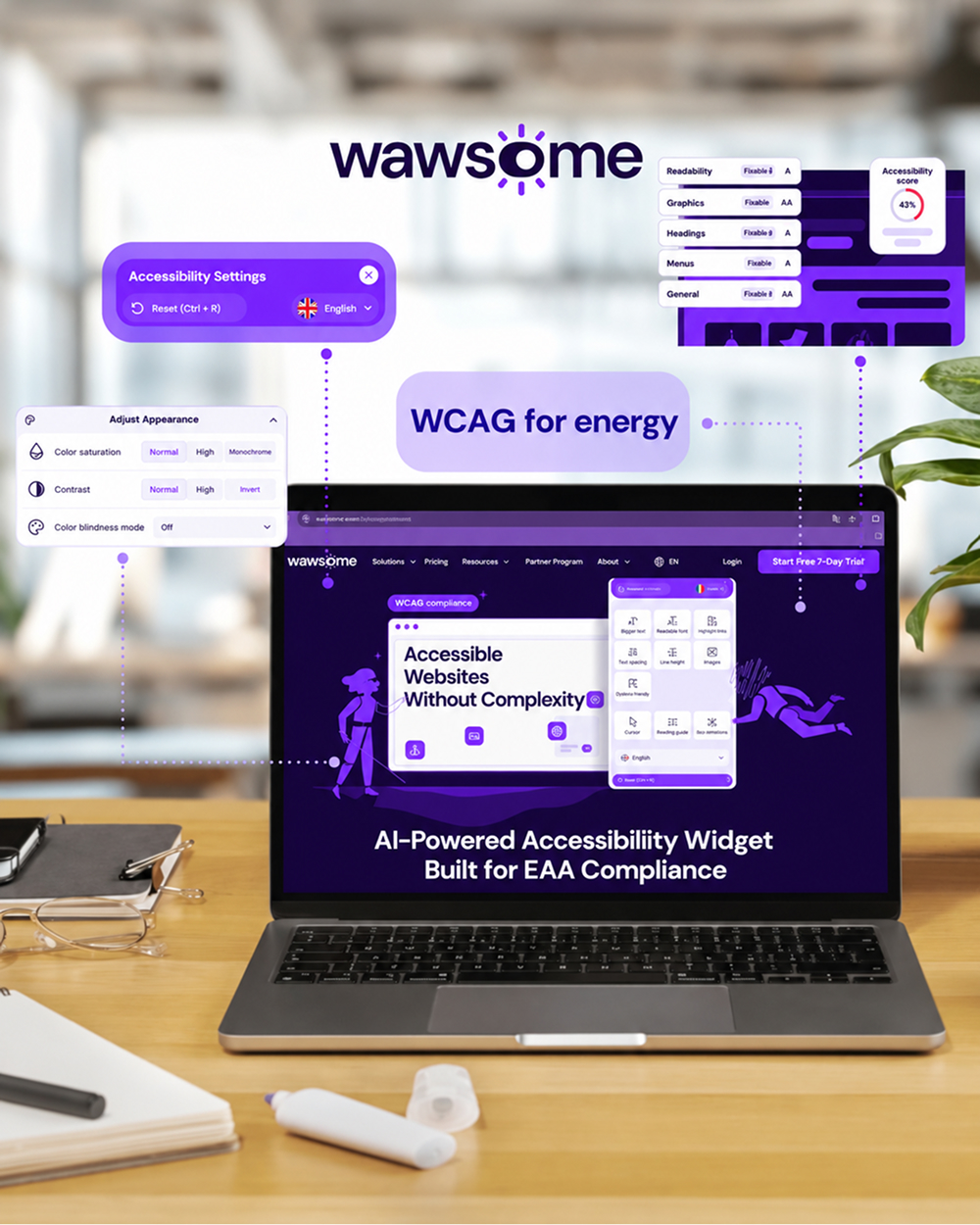
Wawsome combines automated accessibility assessment, monitoring and user-facing accessibility features to support organizations managing complex digital platforms.
H3: Wawsome Accessibility Scanner
The Wawsome Accessibility Scanner identifies accessibility issues that can be detected automatically and provides information that development teams can use when addressing those issues.
Start a free accessibility scan
Wawsome Accessibility Monitor
The Wawsome Accessibility Monitor tracks website changes and helps identify new accessibility issues as the digital experience evolves.
Learn about Accessibility Monitoring
Accessibility Statement
Wawsome can also support the creation of a dedicated accessibility statement page, helping organizations communicate their accessibility approach and current status.
Learn how to write an accessibility statement
Frequently Asked Questions About Energy Services Accessibility
What does good digital accessibility mean for energy providers?
It means that the relevant digital platforms used by customers — including websites, mobile applications, customer portals, online contracts and documents — can be used without unnecessary barriers by people with different physical, sensory or cognitive needs.
Why is accessibility particularly important for customer portals?
Customer portals are where many recurring interactions take place: paying bills, submitting meter readings, checking consumption and accessing documents.
When these processes are inaccessible, customers may be forced to use telephone or physical support channels instead.
What does WCAG Level AA require for energy websites?
WCAG Level AA contains a broad set of accessibility requirements covering areas such as text alternatives, keyboard accessibility, contrast, forms, navigation and compatibility with assistive technologies.
Meeting selected WCAG criteria does not automatically mean that every aspect of a digital service has been comprehensively evaluated. Automated testing and human evaluation can complement each other.
Can an accessibility widget make an energy provider's website fully accessible?
No. A widget can provide valuable user-facing adjustments and accessibility functionality, but it cannot replace remediation of every underlying accessibility problem.
For example, inaccessible HTML structures, certain keyboard interaction problems and inaccessible PDFs may require changes to the website or document itself.
Digital Accessibility as a Strategic Advantage in Energy
Digital accessibility should not be treated only as a compliance exercise.
When customers can independently submit their meter readings, review their consumption history and pay their bills, providers can reduce unnecessary pressure on traditional support channels while creating a better experience for customers.
For energy companies, accessibility can therefore contribute to both user independence and operational efficiency.
Check Whether Your Digital Platforms Can Be Used Without Barriers
Every system update, new offer or change to a customer portal can introduce unintended accessibility issues.
An early assessment can help identify vulnerable areas before they affect users or create unnecessary operational costs.
Wawsome helps energy and utility companies assess and monitor accessibility across their digital ecosystem.
Start with a Wawsome accessibility scan