
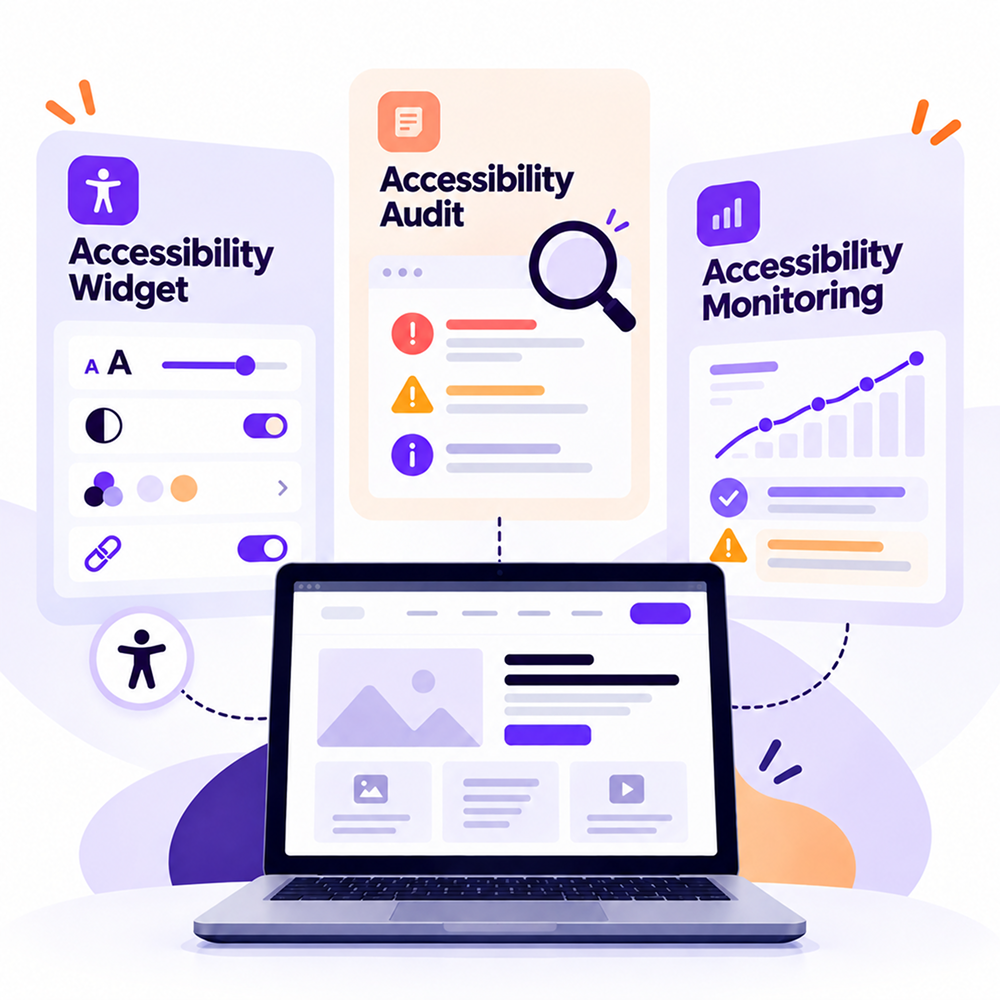
Accessibility Widget, Audit, or Monitoring: What Does Each Do?
When a company starts working on website accessibility, several terms quickly come up. Widget. Audit. Scanner. Monitoring. Remediation.
Sometimes they are used interchangeably, even though each one addresses a different need.
A website may need an assessment to identify existing barriers. Users may need features that help them adapt their browsing experience. And after a few weeks, the website may have changed enough for new accessibility issues to appear.
That's where it's worth starting.
What does an accessibility audit do?
An audit analyzes the state of a website at a specific point in time.
Depending on the type of assessment, it may examine elements such as page structure, forms, contrast, keyboard navigation, text alternatives, and interactive components.
The goal is practical. The team needs to understand where barriers occur and what impact they have on users.
A form may look correct on screen, while its field labels are implemented in a way that a screen reader cannot interpret correctly. A menu may work perfectly with a mouse but become difficult to use with a keyboard.
This is where an audit starts providing useful information to Product, UX, Development, and QA teams.
Where does automated scanning fit in?
Part of an accessibility assessment can be automated.
A scanner can crawl pages and identify certain issues that can be detected programmatically. For example, it can flag missing text alternatives, problems with certain HTML elements, or other errors that can be checked automatically.
The advantage is speed. For websites with many pages, automated scanning can provide a relatively quick picture of recurring issues.
There are, however, criteria that require human evaluation.
A good example is the alternative text of an image. The presence of an alt attribute can be checked automatically. The quality of the description depends on the role of the image and the context in which it appears.
For this reason, scan results are a useful starting point for an accessibility assessment.
You can use the Wawsome Accessibility Checker to scan a website and receive actionable results.
What does an accessibility widget do?
An accessibility widget is visible to users and provides features that can adapt the digital experience.
Depending on the solution, users may have access to options for text size, contrast, colors, highlighting elements, keyboard navigation, and other accessibility features.
The Wawsome Accessibility Widget includes a range of tools that allow users to adapt their experience according to their needs. Wawsome currently offers more than 70 accessibility and personalization features across areas such as text adjustments, content adjustments, keyboard navigation, color adjustments, screen reader functionality, and accessibility profiles.
This is where it's important to understand the widget's role.
Issues within the website structure, code, forms, or content need to be identified and addressed according to their underlying cause. A widget has its own role in the user experience and should be considered as part of the broader accessibility process.
For example, if a form has incorrectly implemented fields, the issue needs to be addressed at the form level. If a button does not have an accessible name, the implementation of that component needs to be reviewed.
These situations require different types of intervention.
Why does monitoring matter?
A website launched today rarely remains identical over the following months.
Marketing publishes a landing page. The team launches a campaign. New products are added. Development modifies a form or updates the checkout.
Every change can introduce new elements that need to be checked.
Imagine an online store that went through an accessibility audit in September. The identified issues were fixed.
In October, 150 new products are published along with two landing pages for Black Friday. In November, the checkout is changed.
The September audit describes the version of the website that was assessed at that time. The current website already contains different elements.
Monitoring helps teams track detectable issues as the website changes.
How does accessibility monitoring work?
A monitoring system checks a website on a recurring basis.
The Wawsome Accessibility Monitor continuously monitors websites and re-scans pages when updates are detected, helping teams identify newly introduced accessibility issues.
This is particularly useful for websites that are updated frequently.
An online store may publish products every day. A bank may change its applications and digital services. A clinic may add new forms and services. A public institution may publish documents or change an online process.
Accessibility needs to be monitored at the same pace as the digital product.
Where does remediation fit in?
After an issue is identified, the team needs to determine what is causing it and how it can be fixed.
Sometimes the solution involves content. In other cases, a component, HTML structure, or the behavior of a feature needs to be changed.
Prioritization matters here as well.
Imagine two issues identified on the same online store.
The first affects a secondary image in a blog article.
The second prevents a user from reaching the checkout button using the keyboard.
Both issues need to be analyzed. Their impact on the user is very different.
A total error count tells only part of the story. The team needs to understand where issues occur and which user actions they affect.
A simple eCommerce example
An online store decides to assess the accessibility of its website.
The initial scan identifies several automatically detectable issues. The team follows up with manual checks on important pages and throughout the checkout process.
Some issues are fixed in code. Others are related to content and are corrected by the team managing the store.
The company also decides to provide users with additional functionality through an Accessibility Widget.
Who should be responsible for all of this?
Accessibility involves multiple departments.
Marketing publishes images, landing pages, and content. The UX team works on interactions and the structure of the experience.
Development implements components. QA checks how the product works.
That's why accessibility works better when responsibilities are clearly defined within the process.
If a new image is published without alternative text, the issue may originate directly in the content management stage. If a new modal does not manage focus correctly, the issue moves to Development and QA.
Clearly identifying responsibility makes remediation much simpler.
Audit, widget, and monitoring as part of the same process
The three can appear at different stages of the same process.
An audit or assessment provides information about the current state of the digital product.
A widget provides users with accessibility and personalization features.
Monitoring tracks detectable issues that appear over time.
Between them is remediation, where identified issues are analyzed and fixed.
For a website that is continuously evolving, the process can look like this:
- Assess the current situation
- Prioritize issues
- Remediate them
- Implement useful user-facing features
- Monitor changes
- Periodically review important user flows
Not every company will start from the same point. A new website has different needs from an eCommerce platform with thousands of pages and years of development behind it.
How do you choose where to start?
If you have never assessed your website, an initial scan can show you the first automatically detectable issues.
If you already have a report, look at the issues affecting important user flows and establish who is responsible for remediation.
If your website changes frequently, introduce monitoring into the team's existing workflow.
And when choosing a widget, review the features it provides and how they address the needs of your website's users.
The right tool depends on the problem you're trying to solve.
What can Wawsome do?
Wawsome provides tools that cover several stages of this process.
You can start by checking your website with the Accessibility Checker to identify automatically detectable issues.
For websites that change constantly, the Accessibility Monitor allows teams to track detectable issues over time.
The Accessibility Widget provides users with features that help them adapt their digital experience.
You can also explore the complete range of Wawsome accessibility features.
For teams, the advantage is that accessibility information can become part of an ongoing process of checking and improving the website.
FAQ
How do I know if I need an accessibility audit?
If you don't know the current state of your website, an assessment is a good place to start. It can help identify existing barriers and areas that require additional testing.
Can I automatically check the accessibility of my website?
Some issues can be identified automatically. Other criteria require manual evaluation and context.
Does an accessibility widget make my website WCAG compliant?
Installing a widget alone does not demonstrate WCAG conformance. Conformance is evaluated based on the applicable criteria for the website's content and functionality.
Why should I monitor my website after an audit?
Websites change. New pages, images, forms, and technical updates can introduce new barriers. Monitoring helps identify detectable issues after these changes.
How often should I check accessibility?
The frequency depends on how often your website changes. For an eCommerce website or platform with frequent updates, recurring checks are more useful than for a website that changes rarely.
Start with the website you have today
You don't need to make assumptions about your website's current accessibility level. You can check it.
An initial scan can show you the issues that can be detected automatically and give you a concrete starting point for further testing.
From there, you can determine what needs manual evaluation, what needs to be remediated, and how you'll track accessibility after the next website update.