
Introduction
Digital accessibility is no longer just a niche topic for UX or compliance teams. In 2026, it’s a real criterion of compliance, user experience, and digital maturity for companies operating online, including in Romania.
For many businesses, the question is no longer whether they need to address digital accessibility, but how quickly they can get it right. And the answer starts with a clear understanding of the concept, the legal obligations, and the practical steps for implementation.
The Problem
Many companies in Romania still treat accessibility as an optional initiative, even though legislation has changed significantly since 2025. The typical scenario looks like this: a site appears functional at first glance, but fails simple checks, such as color contrast, alt text for images, or full keyboard navigation. These failures aren’t just minor technical details. They effectively block real users, and in some cases expose the company to direct legal risk under Law 232/2022.
Definition
Digital accessibility means designing and developing websites, apps, and online content so they can be used by as many people as possible, including people with visual, hearing, motor, or cognitive disabilities. In short, an accessible digital product is one that can be perceived, understood, and used without unnecessary barriers.
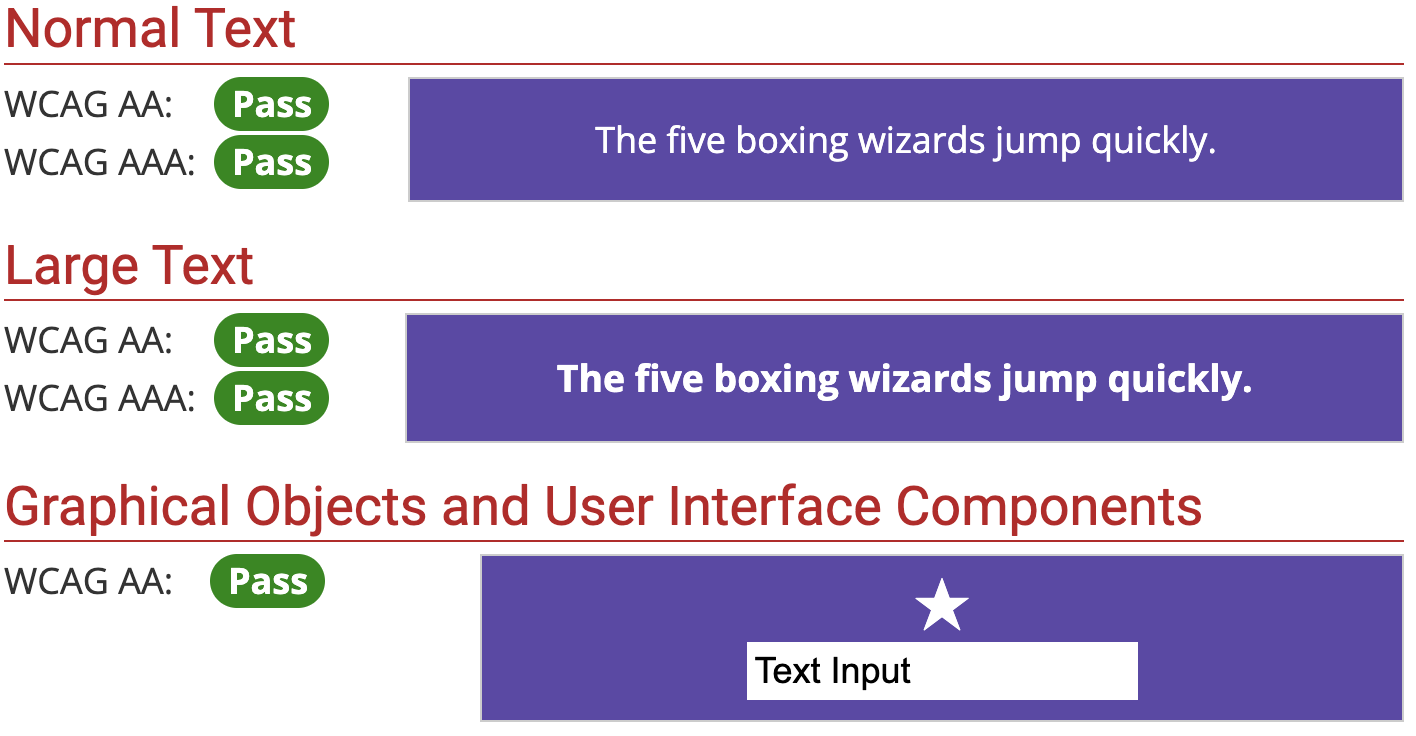
In practice, this means things like alt text for images, sufficient contrast between text and background, full keyboard navigation, correctly labeled forms, and compatibility with screen readers.
WCAG Principles in Brief
Most modern digital accessibility standards are built on the WCAG principles, which require a site to be perceivable, operable, understandable, and robust. This framework matters not just for technical teams, but also for marketing, content, product, and legal, since accessibility affects the entire user journey.
Why Digital Accessibility Matters
The first reason is obvious: an inaccessible site excludes real users. If someone can’t navigate a menu with a keyboard, can’t understand a form with missing labels, or can’t consume content with a screen reader, the digital experience fails before the product or service ever gets a real chance.
The second reason is legal. In Romania, Law No. 232/2022 transposes Directive (EU) 2019/882 and sets accessibility requirements for products and services, including many digital services offered to consumers. This means accessibility is no longer just a good recommendation, but an obligation in more and more business contexts.
The third reason is performance. A clearer, better-structured, and easier-to-use site tends to perform better for SEO, usability, and conversion, since accessibility and good user experience overlap at many key points.
The Legal Framework in Romania
In Romania, digital accessibility is supported by several legislative acts, but for private companies the discussion mainly starts with Law 232/2022, which brought the European Accessibility Act requirements into national law. The law targets economic operators offering certain products and services to consumers, including in e-commerce, banking, telecom, and other digital interfaces.
For the public sector, requirements around the accessibility of public entities’ websites and applications also remain relevant, and the ADR technical guide offers a useful reference for interpreting and implementing digital accessibility requirements. In parallel, W3C WAI provides a clear picture of the policy and standards framework relevant to Romania.
What a Non-Compliant Company Risks
The consequences aren’t just theoretical. Legal interpretations published in Romania show that non-compliance can lead to fines, corrective measures, and commercial risks, especially for companies offering digital services directly to consumers. Beyond penalties, the real cost often shows up in reputation, customer loss, and delayed remediation, which is almost always more expensive than prevention.
What Standards Should Be Followed
In practice, most companies discuss digital accessibility through the lens of WCAG 2.1 level AA, which is also the most commonly used benchmark in compliance evaluations. In a European context, the technical standard EN 301 549 is also relevant, since it provides the compliance framework for ICT products and services and aligns with European accessibility requirements.
This means that if a company wants to start off right, it should evaluate its site and applications against these standards, not based on the impression that it “looks fine” or “seems to work.”
How to Implement Digital Accessibility
Good implementation doesn’t start with a widget and doesn’t end with an audit. It starts with a clear assessment of the current state and continues with fixes, monitoring, and better internal processes.
A healthy workflow usually looks like this:
1. Initial audit to identify real accessibility issues.
2. Prioritization of critical errors, such as forms, navigation, contrast, images, and semantic structure.
3. Technical and content remediation.
4. Testing with assistive technologies and real-world scenarios.
5. Continuous monitoring after every major site change.
This approach is more realistic than the promise of “instant compliance,” since digital accessibility is an ongoing process, not a checkbox ticked once.
Strategies
• Use an accessibility widget for quick contrast, text, and navigation adjustments, directly for visitors.
• Train your content and development team on WCAG 2.2 criteria, not just WCAG 2.1.
• Publish a clear, periodically updated accessibility statement, as required under Law 232/2022.
• Build accessibility into the review process before launching any new feature, not just at the end.
• Choose specialized partners or tools, such as Wawsome, for auditing and continuous monitoring.
Common Mistakes
• Assuming that a modern template or a site that “looks good” is automatically accessible.
• Ignoring accessibility for PDFs, video, or user-uploaded content.
• Skipping audits after a redesign or platform migration, which is when most regressions happen.
• Treating an accessibility widget as a complete solution, without underlying fixes in code and content.
• Lacking an accessibility statement or a clear channel for users to report issues.
Recommended Tools
For companies that want to get started without much friction, Wawsome can cover several stages of the process. The Wawsome Accessibility Widget gives users options like adjusting text, contrast, accessibility profiles, and easier navigation support, designed as an easy-to-install solution without complex code.
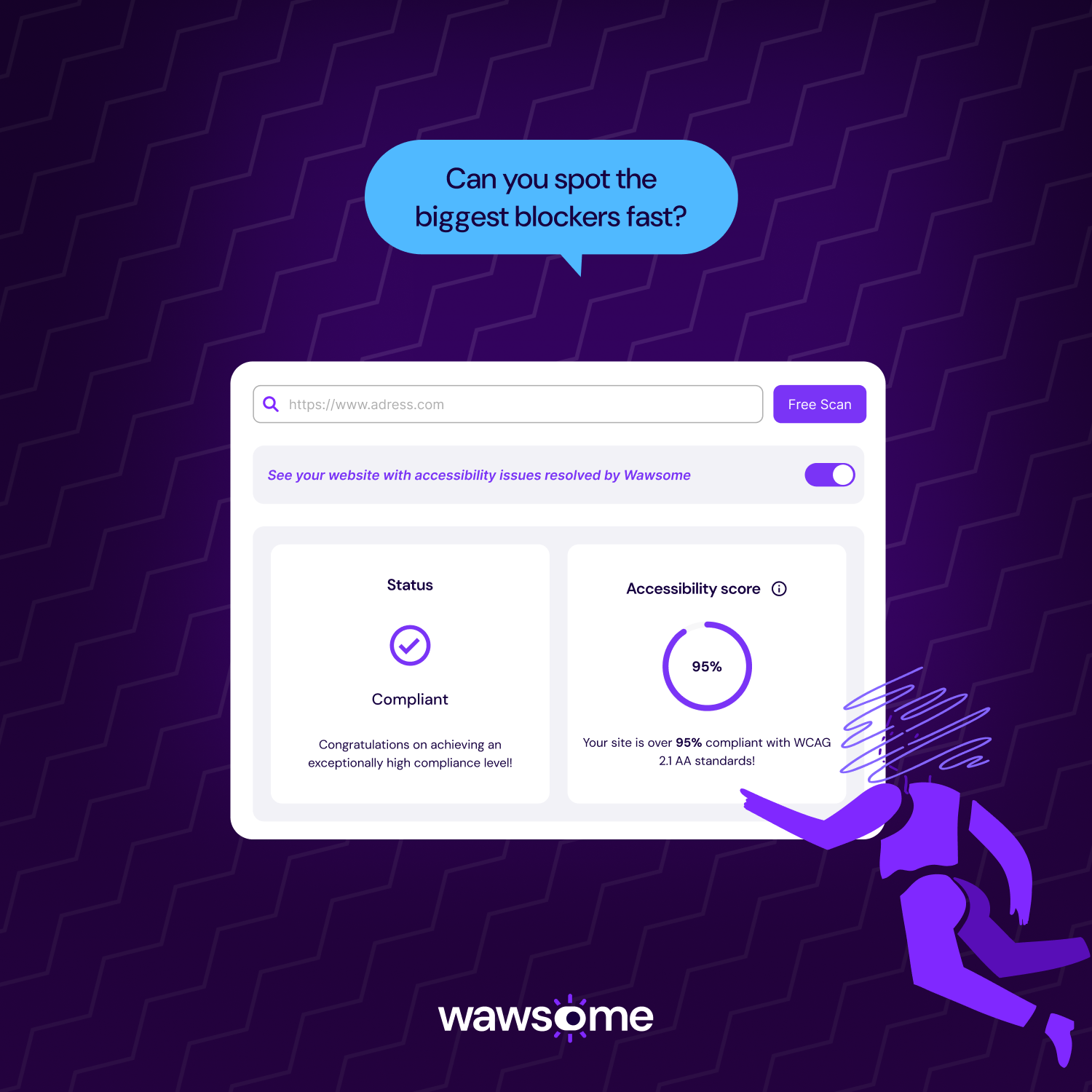
For the initial assessment, Accessibility Checker allows quick scanning of a site to identify WCAG compliance issues, offering a solid starting point for teams that want to understand where their real barriers are.
For ongoing maintenance, continuous monitoring and reporting features, the Accessibility Monitor helps teams track site changes and step in before issues pile up.
If you want a full picture of the platform, the Wawsome comparison page covers the checker, monitoring, reports, accessibility statement, and AI options for alt text and ARIA labels in detail.
Case Study
An online store in Romania, with a few thousand monthly visitors, discovered through an initial scan that more than 60 product pages had no alt text for images, and the checkout form couldn’t be completed fully via keyboard.
After fixing these issues and introducing an accessibility widget, the company reported fewer mobile cart abandonments and less time spent by users trying to find shipping information, a result consistent with the broader observation that accessibility and good user experience often overlap.
While results vary from site to site, the example shows the usual pattern: the biggest accessibility issues aren’t visible at first glance, they only surface during a structured audit.
Future Outlook
The European direction is clear: legal enforcement of digital accessibility requirements is intensifying, not easing off. Recent rulings from European courts, such as the Carrefour case in France, show that authorities and courts are already checking whether sites can actually be used by people with disabilities, not just reviewing paper compliance statements.
For companies in Romania, this context suggests that digital accessibility will increasingly shift from “good practice” territory into active audit and enforcement territory, similar to what’s already happening in other EU member states. Companies that treat accessibility as an ongoing process now will have a real edge over those that only address it once a complaint or inspection appears.
What a Business Should Do Right Now
For many companies in Romania, the best first step isn’t a long list of requirements, but a simple, honest diagnosis. Instead of assuming the site is “good enough,” they should check exactly where the blockers are and what impact they have on real users.
A solid plan for the coming weeks would be:
• Run an initial scan.
• Check critical pages: homepage, menu, forms, checkout, contact.
• Prioritize issues that affect real usability.
• Add continuous monitoring.
• Turn accessibility into a constant criterion for content, design, and development.
Conclusion
Digital accessibility isn’t just about legal compliance, it’s about making sure your service can be used by anyone, regardless of disability or context of use. Companies that treat this as an ongoing process, rather than a one-time project, end up reducing legal risk, improving overall user experience, and building long-term trust.
The simplest way to start is with a real assessment of your site’s current state. Run a free site scan to see exactly where you should begin.
FAQs
What exactly is digital accessibility?
It’s the practice of making websites, apps, and digital content usable by everyone, including people with disabilities, by removing barriers to navigation, perception, and interaction.
Is digital accessibility only relevant for public institutions?
No. In Romania, accessibility is also relevant for private companies that fall under Law 232/2022 and offer certain products or services to consumers.
What standard should most companies follow?
In most cases, the benchmark is WCAG 2.1 level AA, alongside the European standard EN 301 549.
Is an accessibility widget enough?
No, on its own it’s not enough for every situation. A widget can significantly help user experience and provide some quick adjustments, but real accessibility also requires auditing, content and code fixes, plus continuous monitoring.
How do you actually get started?
The simplest approach is starting with an audit or an initial scan, followed by prioritizing critical issues. A quick starting point is the Wawsome accessibility scanner, and results can then be completed with a widget and continuous monitoring.