
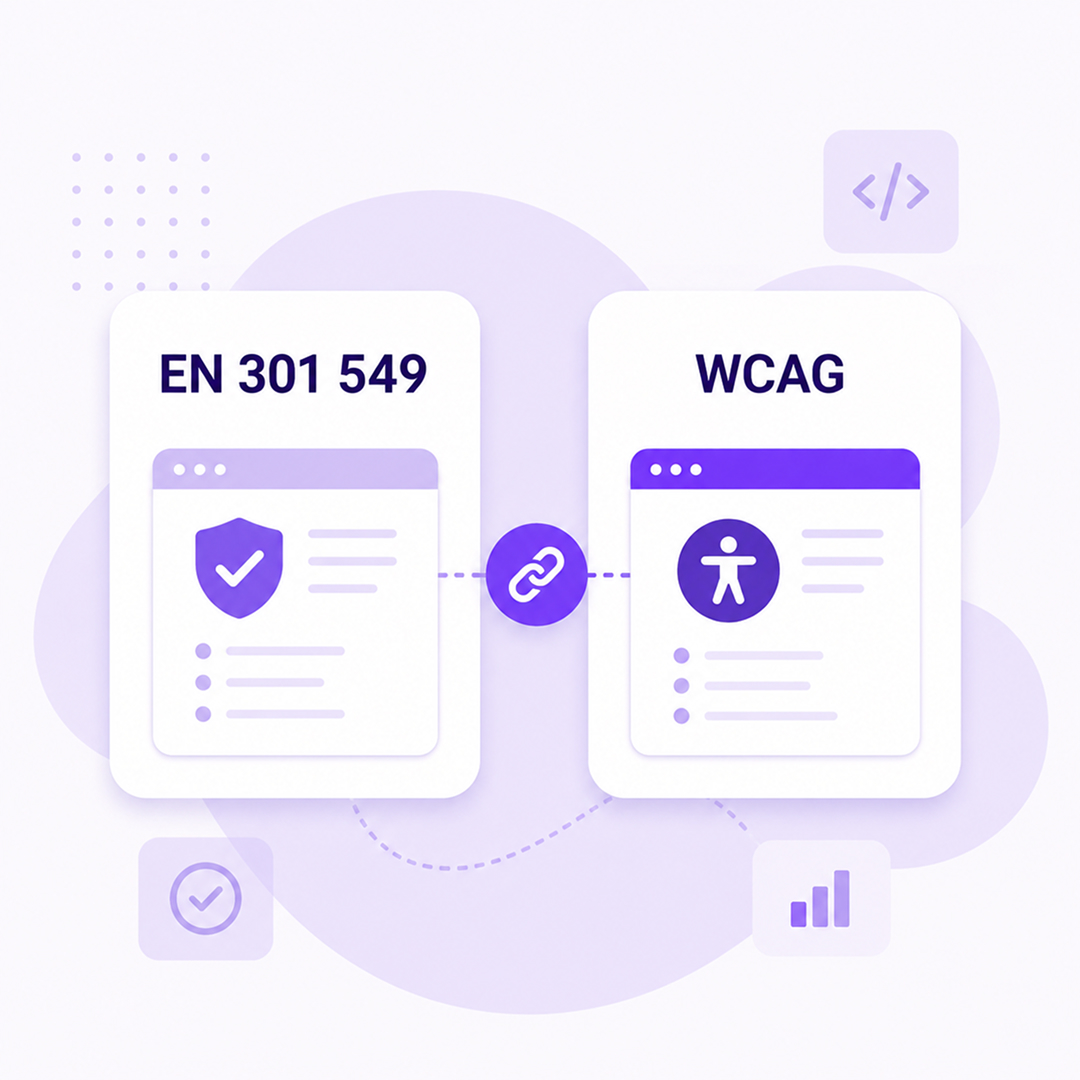
You’ve been asked to make sure a website or application complies with WCAG. Then another document mentions EN 301 549. The technical team starts trying to figure out which standard they should use and what actually needs to be tested.
The confusion is understandable. The two are closely connected, but they have different roles and areas of coverage.
For teams building or managing digital products, that distinction matters—especially when accessibility needs to be incorporated into design, development, QA, and compliance processes.
What Is EN 301 549?
EN 301 549 is the European standard for accessibility requirements for Information and Communication Technology (ICT) products and services.
Its scope is broader than websites alone. The standard covers requirements for technologies such as websites and non-web documents, software and mobile applications, hardware, and other ICT products and services.
This changes the perspective for a Product team.
If your organization manages a complex digital service, accessibility needs to be considered across all relevant components of that service—not just the main website page.
For technical teams, EN 301 549 provides requirements that can be incorporated into specifications, procurement processes, development, and testing.
The European Commission explains that the standard goes beyond the requirements of WCAG. As a result, meeting all relevant WCAG success criteria does not automatically mean that all EN 301 549 requirements have been covered.
Where Does WCAG Fit In?
WCAG (Web Content Accessibility Guidelines) is the international standard developed by the W3C for web content accessibility.
WCAG success criteria are organized around four principles:
- Perceivable
- Operable
- Understandable
- Robust
Under these principles are testable success criteria organized into three conformance levels: A, AA, and AAA.
In practice, these criteria translate into very concrete requirements.
An informative image needs an appropriate text alternative.
Content needs sufficient contrast.
Functionality needs to be operable through the methods required by the applicable success criteria.
Forms need to be implemented so that the information and relationships users need can be programmatically determined where required by the relevant criterion.
Keyboard focus needs to be visible and trackable.
Interactive components need to be implemented so assistive technologies can receive the information they need about them.
Suddenly, “accessibility” becomes a set of requirements that a designer, developer, and QA specialist can actually discuss and test.
EN 301 549 and WCAG Are Not the Same Thing
This is one of the most important distinctions to understand.
WCAG focuses on the accessibility of web content. EN 301 549 has a broader ICT scope and incorporates WCAG requirements for web content within its structure, alongside additional requirements.
The version of EN 301 549 currently relevant to European harmonized accessibility requirements uses WCAG 2.1. The European Commission states that WCAG 2.2 is not yet used in a harmonized EN 301 549 standard through publication of its reference in the Official Journal of the European Union.
This distinction is important in 2026.
But WCAG 2.2 Already Exists
WCAG 2.2 is the latest finalized version of the WCAG family, and the W3C recommends using the latest version when organizations develop or update their accessibility policies and practices.
WCAG 2.2 adds nine new success criteria compared with WCAG 2.1. These include requirements related to focus appearance, minimum target size, alternatives to dragging interactions, accessible authentication, and avoiding redundant entry of information in certain situations.
Since 2025, WCAG 2.2 has also been an international ISO standard: ISO/IEC 40500:2025.
For a technical team, this creates a distinction between the European standard used for the relevant regulatory framework and the WCAG version recommended by the W3C for current accessibility development.
The W3C also explains that content conforming to WCAG 2.2 also conforms to WCAG 2.1 and WCAG 2.0 because of the way the successive versions were designed.
What Does This Mean for Product Teams?
Accessibility works better when it becomes part of product requirements before development starts.
Take a simple account creation form.
The team defines the fields and validation rules. UX defines the interaction. Design prepares the components and their states. Development implements them. QA checks the result.
If accessibility only enters the process after launch, the issues discovered may require changes across several of these areas.
If the requirements are defined during planning, the team can discuss labels, focus, error messages, contrast, and keyboard behavior from the start.
This also reduces situations where accessibility becomes a separate list of bugs to fix after release.
What Should UX and Design Teams Consider?
A good design system can prevent the same accessibility issue from being repeated across dozens of pages.
Buttons, forms, modals, navigation, interactive components, and focus states should all be defined with accessibility requirements included in their specifications.
Contrast is an obvious example.
But accessibility doesn't stop at color.
Designers also need to consider how users understand the information hierarchy, component states, error messages, and interactions that don't depend on a single method of input.
A component can look perfect in a design file and still create accessibility problems after implementation.
That's why accessibility testing needs to continue in the functional product.
What Should Development Teams Consider?
Semantic HTML and the correct implementation of components play a direct role in accessibility.
Developers need to understand what happens when a user puts down the mouse and tries to navigate the interface using only a keyboard.
Just as important is what assistive technology receives.
What is the component's accessible name?
What role does it have?
What state is it in?
What happens to focus when a modal opens or closes?
Can the form actually be completed?
These questions are much more useful during development than the vague requirement that “the page needs to be accessible.”
What Should QA Teams Consider?
Automated testing is useful, but it cannot test every accessibility requirement on its own.
The W3C explains that WCAG is designed so that conformance can be evaluated through a combination of automated evaluation and human judgment.
That's where manual testing remains important.
QA can test keyboard navigation, focus order, and component behavior. Testing with assistive technologies adds another layer of validation.
Automated tests, meanwhile, can quickly identify certain repeatable issues across many pages.
Combining these methods provides a much more useful picture than relying on a single score.
An Accessibility Score Doesn't Tell the Whole Story
The dashboard shows 92/100. Sounds good.
But what happens if the remaining issue is on the button that actually completes a payment?
The impact on the user isn't necessarily proportional to the total number of errors.
That's why teams should also consider the severity of an issue, the component affected, and where it appears within a critical user journey.
Checkout, authentication, account creation, payment, and booking are examples where a single accessibility barrier can stop a user from completing an action.
Remediation priorities should take this context into account.
Accessibility Continues After Release
A digital product changes.
New pages, components, and integrations are added. The marketing team publishes new content. A form is modified. The checkout experience gets an update.
A test performed six months ago describes the product as it existed six months ago.
That's why your process should include testing after relevant changes and monitoring for issues that may appear as the product evolves.
Wawsome can help identify automatically detectable accessibility issues and monitor website accessibility over time.
What Should an Internal Accessibility Process Look Like?
For a team continuously managing a digital product, accessibility should appear at multiple points in the process.
In requirements, when the functionality is defined.
In the design system, for reusable components.
In development and code review, when those components are implemented.
In QA, through automated and manual testing.
After release, through monitoring and retesting areas that have changed.
This turns EN 301 549 and WCAG from abstract standards into concrete requirements, development tasks, and test cases that teams can actually work with.
FAQ
Should I use WCAG 2.1 or WCAG 2.2?
EN 301 549 currently uses WCAG 2.1 in the relevant harmonized version at European level. The W3C recommends using the latest WCAG version and states that content conforming to WCAG 2.2 also conforms to WCAG 2.1.
For legal obligations, you should verify the specific standard and regulatory framework applicable to the product or service in question.
If I comply with WCAG, does that automatically mean I comply with EN 301 549?
No. EN 301 549 has a broader scope. The European Commission explicitly states that meeting all WCAG 2.1 success criteria alone does not provide a presumption of conformity with all relevant requirements based on EN 301 549.
Can I automatically test all WCAG success criteria?
No. Accessibility evaluation also requires checks that involve human judgment. Automated testing is useful for issues that can be detected technically and consistently, but it cannot replace manual evaluation.
When should I test accessibility?
During development and before release, and again after changes that could affect the user experience. For products that are updated frequently, ongoing monitoring can help teams identify new issues as they appear.
Where Should You Start?
If your team manages an existing website, start by understanding what accessibility issues can be identified right now. The results of an initial scan can provide a starting point for prioritizing further testing and remediation.
For a complete assessment, automated results should be complemented with the manual checks required for criteria that cannot be evaluated automatically.