
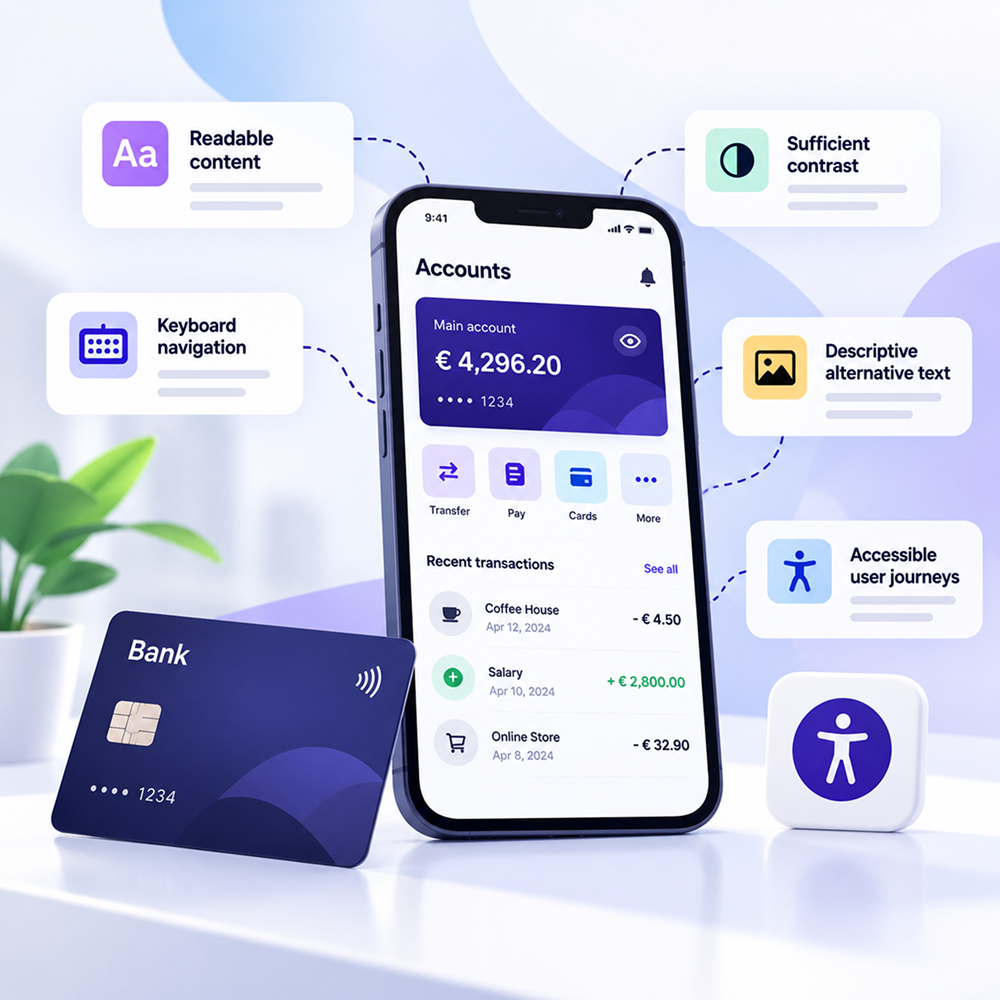
Banking Accessibility: What Customers Should Be Able to Do Without Digital Barriers
A large part of the relationship between customers and their banks has moved online.
Opening an account, logging in, checking a balance, making a payment, transferring money, or applying for a banking product can all start and finish without a visit to a branch.
For a customer who uses a screen reader, navigates with a keyboard, or needs better contrast, every step of these journeys matters.
A single barrier can stop the entire process.
That's what makes digital accessibility in banking so concrete. It isn't an abstract concept. It is about whether someone can actually use a financial service.
Why is banking directly connected to accessibility?
The European Accessibility Act includes consumer banking services within its scope. In Romania, the requirements were transposed through Law No. 232/2022, applicable from June 28, 2025 to the products and services covered by the law.
For more context on which businesses and services are covered, see Wawsome's Law 232/2022 Practical Checklist.
For a bank, this means the assessment needs to go beyond the public-facing homepage.
The customer journeys are where attention matters most.
Opening an account needs to be fully accessible
Opening an account online seems simple when everything works.
You enter your information, upload documents, confirm the details, and continue to identity verification.
For a person with a disability, problems can appear from the very first fields.
A form without correctly implemented labels can be difficult to understand with a screen reader. A date picker that works only with a mouse can block the user. An error message communicated only through color may go unnoticed.
Then there is the issue of order.
If focus moves in a way that is difficult to follow, the user may suddenly arrive in a different part of the page without understanding what happened.
That's why testing needs to cover the entire onboarding process, rather than looking at each screen separately.
Authentication should be treated as a critical flow
Login is one of the most sensitive areas of a banking application.
Security and accessibility need to be designed together here.
WCAG 2.2 includes the Accessible Authentication (Minimum) criterion, which aims to reduce unnecessary cognitive requirements in authentication processes.
OTP codes are one example.
If a user receives a code and the application requires them to memorize it or enter it digit by digit into an interface that doesn't allow pasting, the process becomes more difficult for some people.
CAPTCHA is another example.
If the only available option requires users to identify objects in an image, a user with a visual impairment may need an alternative.
This doesn't mean security needs to be reduced. It means the process should be designed with options that can be used by different types of users.
Keyboard navigation needs to be tested across all important flows
WCAG requires functionality to be operable through a keyboard interface when the action does not fundamentally depend on a specific physical movement.
For banking, the test seems simple at first.
Can you:
- Log in
- Select an account
- Complete a transfer
- Select a beneficiary
- Confirm the transaction
- Download a document
- Access transaction history
- Use the main navigation
all without a mouse?
If the answer is no at a single critical point, that flow needs to be investigated.
Focus also matters.
Users need to be able to see where they are within the interface. If the focus indicator is weak or disappears completely, keyboard navigation becomes very difficult to follow.
Banking forms need clear instructions
Financial services involve many forms.
Personal information, accounts, amounts, IBANs, beneficiary information, documents, and declarations.
WCAG includes criteria covering error identification, labels, and instructions.
In a bank transfer, an error needs to be communicated clearly.
"Invalid data" doesn't provide enough information.
The user needs to know which field contains the problem and how it can be corrected.
The same applies when confirming a transaction.
If an action has financial consequences, the process should allow users to review the information and correct potential errors where the applicable criteria require it.
Mobile banking creates additional challenges
Banking apps are used every day.
This means accessibility also needs to be assessed on mobile, where interaction is different from desktop.
The size of touch targets matters. Complex gestures can create difficulties for users with motor disabilities.
A control that can only be used through drag and drop should be reviewed.
The same applies to an element that requires a precise swipe without an alternative.
A mobile screen reader needs to identify buttons and their functions. If the user hears only "button" without the action name, the interface becomes difficult to understand.
Contrast and text size matter in banking
Banking interfaces contain a lot of information.
Balances, transactions, amounts, dates, statuses, notifications, and security messages.
Insufficient contrast can make this information difficult to read for people with low vision.
WCAG includes requirements for contrast, text resizing, and reflow.
Component states also need to be checked.
A disabled button, warning message, or transaction status should not be communicated only through a subtle difference in color.
In a financial application, visual details can communicate important information. They need to remain perceivable.
Documents need to be included in the assessment
Bank statements, contracts, repayment schedules, and other documents can all be part of the customer's digital experience.
If these documents are published or downloaded in inaccessible formats, a user can reach the end of a process and still be unable to read the resulting document.
A scanned PDF is a simple example.
For a screen reader, the document can become impossible to navigate if it doesn't contain actual text and an accessible structure.
That's why a digital banking accessibility assessment should also include the documents delivered to customers.
A small issue can block a major process
Consider a bank transfer.
The customer opens the app and selects an account. They enter the beneficiary and amount. They reach the confirmation step.
The final button cannot be accessed using the keyboard.
From the perspective of an automated report, this may be a single issue.
From the user's perspective, the transfer cannot be completed.
That's why the total number of errors doesn't tell the whole story.
For banking, the impact on critical user flows needs to be considered.
Authentication, payments, transfers, onboarding, and access to documents should be given particular attention.
How do you test a digital banking service?
A useful audit starts with real-world scenarios.
There is little value in checking only a bank's homepage if customers spend most of their time inside their accounts.
Choose frequently used journeys and test them from beginning to end.
For example:
- Authentication
- Viewing accounts
- Transfer to a new beneficiary
- Bill payment
- Downloading a statement
- Applying for a product
- Updating personal information
- Logging out and returning to the account
For each flow, check keyboard access, screen reader behavior, forms, error messages, contrast, and component behavior.
Automated scanning can help identify programmatically detectable issues. Manual testing completes the picture.
For the parts of the banking experience that can be scanned automatically, the Wawsome Accessibility Checker can provide an initial assessment.
What happens after remediation?
Banking applications change frequently.
A new feature is introduced. The transfer flow changes. The team redesigns the dashboard. A new authentication mechanism is added.
Every update can introduce new barriers.
That's why accessibility needs to be included in QA and release checks.
For public websites and web areas that are updated frequently, the Wawsome Accessibility Monitor can continuously monitor changes and help identify detectable issues introduced later.
Who should be involved?
Accessibility in banking involves multiple teams.
Product should include it in requirements.
UX and Design should work with interactions and components that can be used in different ways.
Development implements the technical structure and behavior.
QA checks the flows.
Compliance tracks the requirements applicable to the service.
Content and Marketing can also influence accessibility through documents, campaigns, and pages published on the website.
Everyone owns part of the problem.
Where can Wawsome help?
A good first step is understanding which issues can be identified on the public website and on pages accessible to the checker.
The Wawsome Accessibility Checker can perform an initial automated assessment and highlight WCAG issues that can be detected programmatically.
For websites that change frequently, the Accessibility Monitor helps track detectable issues that appear after updates.
You can also explore the full range of Wawsome accessibility features.
For legislative context, see Wawsome's Law 232/2022 Practical Checklist.
For a broader overview of digital accessibility, WCAG, audits, and monitoring, see Digital Accessibility: What It Means, Why It Matters, and How to Implement It.
FAQ
How do I check whether my banking application is accessible?
Start with the customer's essential journeys. Test authentication, payments, transfers, forms, and document access. Use automated assessment where possible and complement it with manual testing and assistive technologies.
Is following WCAG enough for banking services?
WCAG provides important technical criteria for web content accessibility. For legal obligations, the entire framework applicable to the product or service should be reviewed, including EAA requirements, national legislation, and relevant European standards.
Why does authentication need to be tested separately?
Authentication can introduce barriers related to passwords, OTPs, CAPTCHAs, or other cognitive requirements. WCAG 2.2 includes specific criteria addressing accessible authentication.
Can a scanner test all banking flows?
A scanner can identify issues that can be detected automatically on the pages it can analyze. Complex flows, authenticated applications, and criteria requiring human evaluation need additional testing.
Does the mobile application also need to be tested?
Yes. If the banking service is provided through a mobile application, the application's accessibility needs to be assessed within the requirements applicable to the service.
Which flows should I test first?
Authentication, account opening, payments, transfers, and document access are good places to start. The final priority depends on the services offered and how customers use the product.
Start with the journeys customers actually use
For a bank, digital accessibility needs to be assessed where the real customer relationship takes place.
Login, transfers, payments, documents, and mobile banking are all areas where a barrier can prevent an important action.
Choose the critical journeys, test them using different interaction methods, and track issues after subsequent updates.
For the public website, you can start with an automated scan for technically detectable issues.